Google Tag Manager (GTM) is a free tool from Google that allows you to easily add and manage marketing and analytics tags (snippets of code) on your website or mobile app without having to modify the code directly.
By connecting GTM with Meiro, you can easily track user interactions with challenges—such as button clicks or form submissions—and send them for further analysis.
Here’s how to set up the integration in two simple steps.
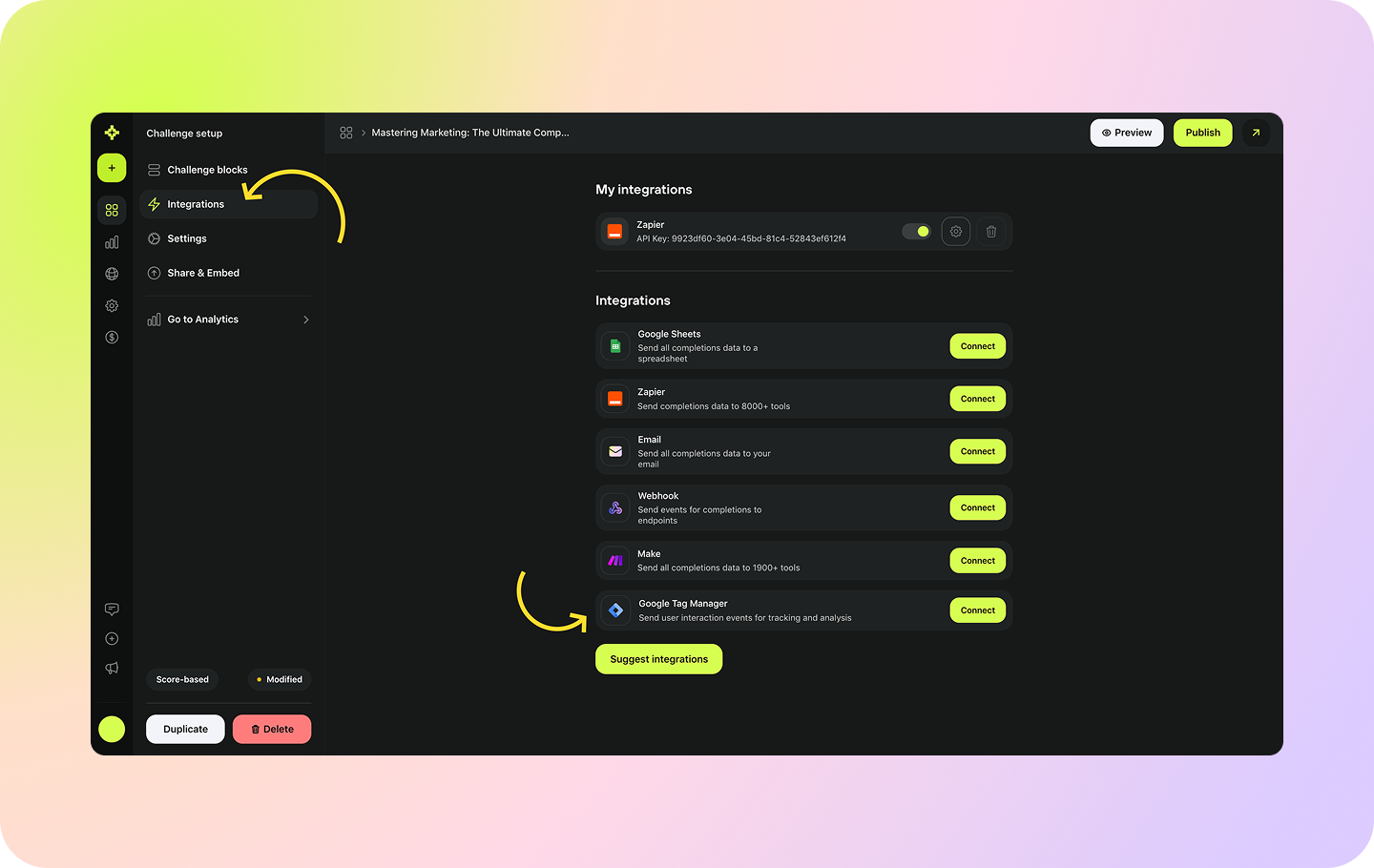
In the Challenge setup mode, go to the Integrations tab and click to connect Google Tag Manager
Enter your connection name and Google Tag Manager ID
That’s it! Your integration is live and you can start tracking on the GTM’s end