In the Settings menu, you can update your name and timezone, manage your plan, view invoices, enable add-ons, and create challenge labels.
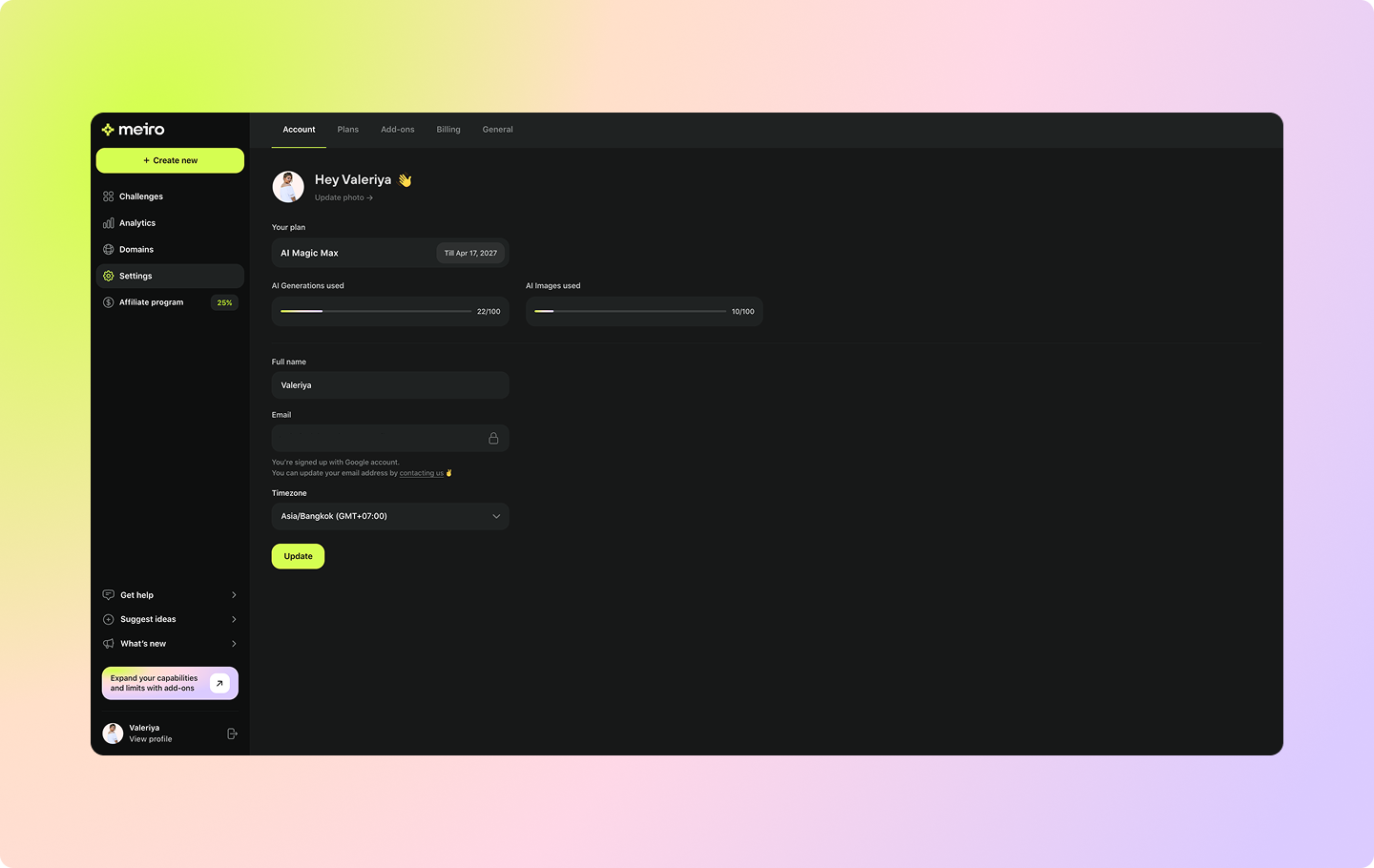
Under the Account tab, you can manage the following profile information:
Your name and photo
Your plan and its expiry date
AI challenge and image generations used
Timezone

Under the Plans tab, you can manage your current subscription, including:
Selecting or changing your plan
Changing the billing cycle
Cancelling your subscription
You can also find a detailed plan comparison there.
Under the Add-ons tab, you can purchase additional packages to boost your Meiro experience:
Email Verification – Verify your users to ensure authenticity, reduce bounce rates, and improve engagement with accurate email data.
AI Images – Purchase additional image generation credits if you run out during your current billing cycle (coming soon).
AI Generations – Purchase additional challenge generation credits if you run out during your current billing cycle (coming soon).
Under the Billing tab, you can view your transaction history and download invoices for your Meiro subscription.
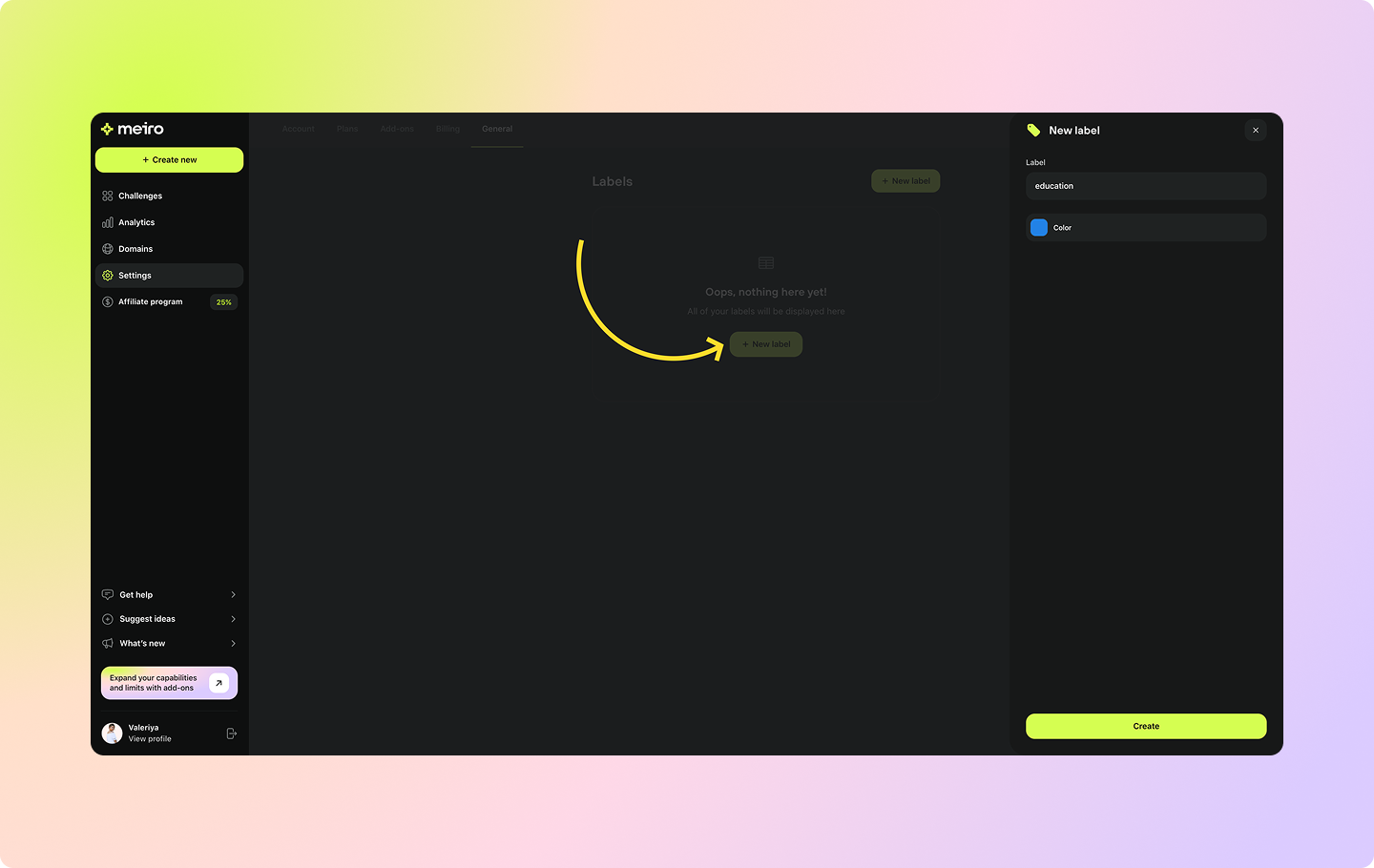
Under the General tab, you can create and manage Labels to organize and filter your challenges.
To add a new label, click the + New Label button, enter a name, and choose its color.